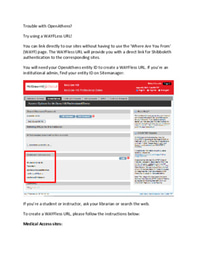


Click here for OpenAthens Issues!
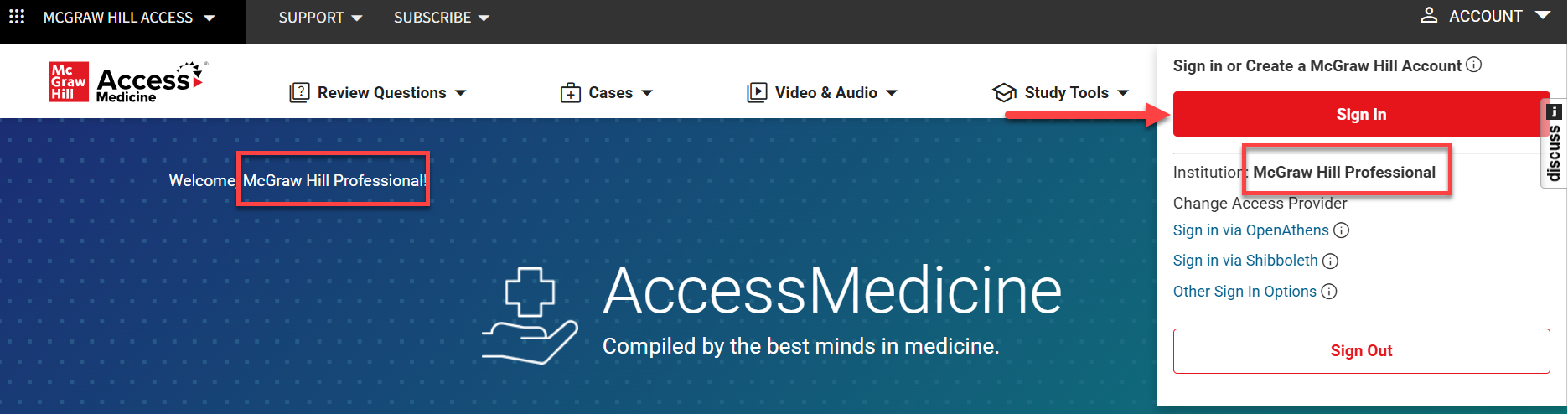
Is your McGraw Hill Account affiliated with your subscribing institution? Do you see the name of your institution at the top of the Access site? You should!

If not, follow these steps:
1. Log in to your institution. You can usually do this by visiting your library's list of databases and clicking on the Access site. You can also log in through your institution's VPN, OpenAthens if set up, or just by being on site!
2. Once logged in to your institution, create or log into your McGraw Hill Account. Click on the Account button at the top right of the Access site and complete the steps that follow!

Your account should now be linked to your institution and you should be able to access the content on the Access site! You should see both your name and your institution.

Lauren holds a master’s degree in Instructional Technology and Media and a bachelor’s degree in Elementary Education, with a double major in English. She has a background in teaching and enjoys helping people understand new ideas and information.
In her free time, Lauren enjoys singing and performing at local events and venues.
We and selected partners, use cookies or similar technologies as specified in the cookie policy and privacy policy.
You can consent to the use of such technologies by closing this notice.
Create a Free MyAccess Profile
The Access User Center contains information for librarians and end users of the McGraw Hill Medical suite of Access and Collection websites.